
Samsung and Apple finally connect: Siri can now control SmartThings devices
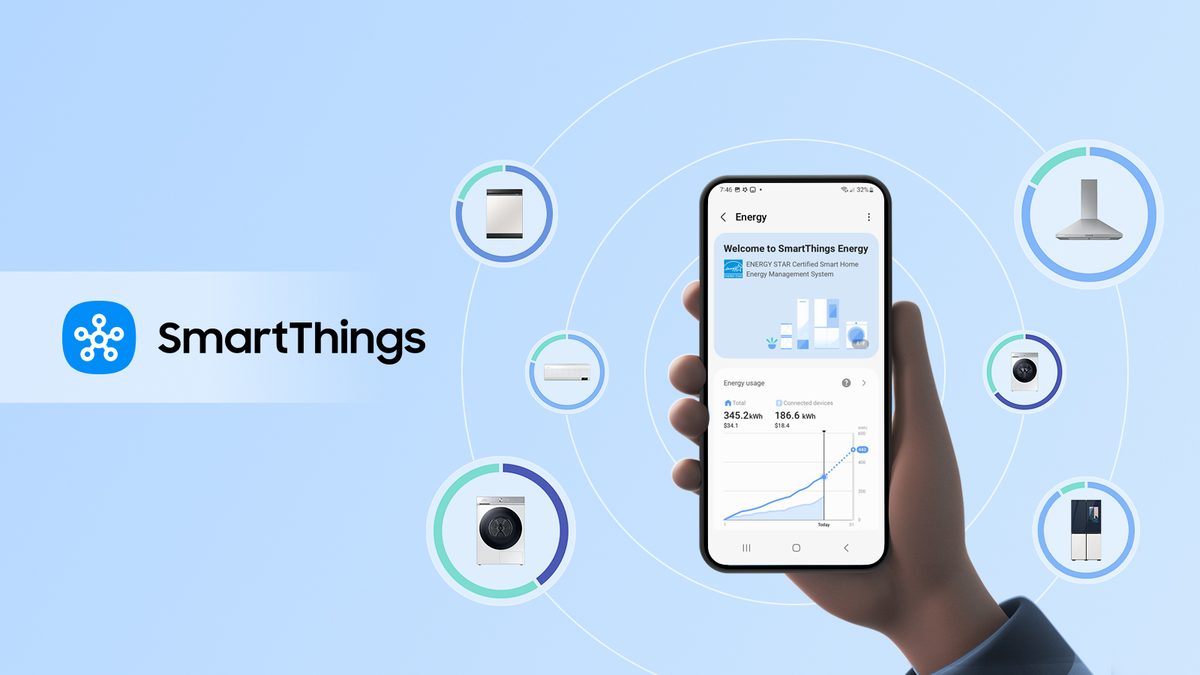
Samsung has enabled Apple’s Siri Shortcuts to control SmartThings routines in compatible homes, expanding voice-driven automation across iPhone, HomePod, and other Apple devices through a new SmartThings update.
In its announcement, Samsung stated that SmartThings routines can now be executed via Siri Shortcuts, allowing users to operate SmartThings-connected devices with Apple’s voice assistant. Siri Shortcuts on iOS functions as an automation layer that responds to user voice commands, either through custom workflows created in Apple’s Shortcuts app or predefined actions supplied by third-party manufacturers within their applications. By integrating SmartThings routines into this framework, the update links Samsung’s smart home ecosystem with Siri-based control without altering the underlying device hardware.
The integration supports practical routine-based scenarios. Users can instruct Siri to activate a predefined SmartThings “Good morning” routine that simultaneously adjusts lighting levels, powers on a connected coffee maker, and opens compatible smart blinds upon waking. The process leverages existing SmartThings configurations, translating a single Siri command into multiple coordinated device actions executed through the SmartThings platform.
Samsung is also updating its SmartThings app on Apple hardware to broaden direct control options. On Apple Watch, the app now displays a complete list of SmartThings devices, supports issuing commands, and permits initiation of routines from the watch interface. On iOS, SmartThings incorporates Live Activities, enabling users to access and manage up to five most recently used SmartThings devices directly from the lock screen without opening the app.