
HubSpot or Salesforce? What really matters once the system becomes part of your routine

Choosing between HubSpot and Salesforce never feels simple. You start out expecting to compare a few features, then a few minutes later you are knee deep in conversations about workflows, reporting habits, hiring plans, and the way your team handles handoffs. It sneaks up on people how quickly a CRM becomes the center of everything. Once your team settles in, it becomes part of the daily rhythm, so getting this choice right matters.
What complicates the decision is how quickly customer behavior has shifted. McKinsey reports that buyers often move through ten or more touchpoints before anyone reaches out to a salesperson, which means messy information trails if the tools behind the scenes can’t keep up. CRM usage reflects that shift. The industry keeps climbing toward record spending, and companies depend on connected data to keep conversations from falling apart between channels.
This is usually the moment when teams pause and rethink their options. HubSpot appeals to groups that want a clean setup and quick adoption. Salesforce attracts teams with layered processes and long-term scaling plans. Many leaders even look into Salesforce implementation services early in the process because getting the foundation right can shape how the entire system feels to use later on.
Both platforms can support serious growth. The real puzzle is figuring out which one fits the way your people work right now, without losing sight of where you’re headed.
HubSpot vs Salesforce at a GlanceHubSpot leans into simplicity and a shared workspace that new teams understand quickly. Salesforce gives you room to shape almost every part of the system, which can be powerful when your operations have many moving parts. Seeing the contrast laid out clearly makes the rest of the evaluation a little easier.
Category HubSpot Salesforce Best Fit Startups and mid-size teams Mid-size and enterprise groups Ease of Use Clean, visual, quick to learn Takes time and usually needs an experienced admin Marketing Features Native tools built in Add-on clouds required Sales Features Friendly pipeline tools, email tracking, task automation Deeper forecasting, scoring, territory tools Customization Lighter customization options Very flexible, supports complex setups Integrations Large marketplace, simple connections Vast AppExchange with advanced options AI Tools Writing, insights, guided steps Einstein analytics and agent-style automation Pricing Approach Free tier available, grows with usage Higher starting cost, modular pricing Support Growing knowledge base and resources Extensive documentation and community support Comparing HubSpot and Salesforce: The quick versionPeople tend to group HubSpot and Salesforce together because they both fall under the CRM umbrella, but once you’re actually inside them, the similarity fades fast. The difference shows up almost right away.
HubSpot has this way of staying out of your way. You click through a few screens and it’s clear someone tried to keep the noise down so you can focus. The marketing tools aren’t hanging off the side as extra pieces, they’re part of the whole setup, which means the person writing emails and the person running demos finally see the same story.
A small team with no CRM background can usually get comfortable in an afternoon. They might push past the simple stuff later on, but the ramp at the beginning is surprisingly smooth for software that touches so much of the business.
Salesforce is another story. It was built for companies that already have structure, or at least hope to. The ceiling is much higher. You can shape it to match almost any workflow, even the messy ones that came from years of workarounds and inherited spreadsheets.
Some companies rebuild entire approval chains inside Salesforce because their real-world process was too tangled for simpler systems. It takes patience, and usually someone guiding the setup, but once it’s dialed in, it handles complexity that would overwhelm other tools.
Sales reporting and forecastingIf you want to see how different these two platforms really are, look at how each one handles forecasting. This is where teams usually discover what they’ve actually bought.
HubSpot keeps things grounded. Most of the reports are already shaped for everyday use, so a sales manager can pull up deal progress or monthly targets without hunting around. Reps tend to engage more because the dashboards feel familiar, almost like checking a fitness tracker instead of a dense spreadsheet. It works well for teams with straightforward pipelines or shorter deal cycles. You get answers fast, and people actually look at the numbers.
Salesforce takes a different route. The forecasting tools go deeper and can follow the quirks of complicated sales paths. Multi-region forecasts, layered targets, weighted projections, all of that can live inside one system once everything is set up properly. It gives revenue leaders the kind of visibility you normally only see in big finance tools.
HubSpot keeps the story simple. Salesforce lets you build the whole story from scratch.
Marketing features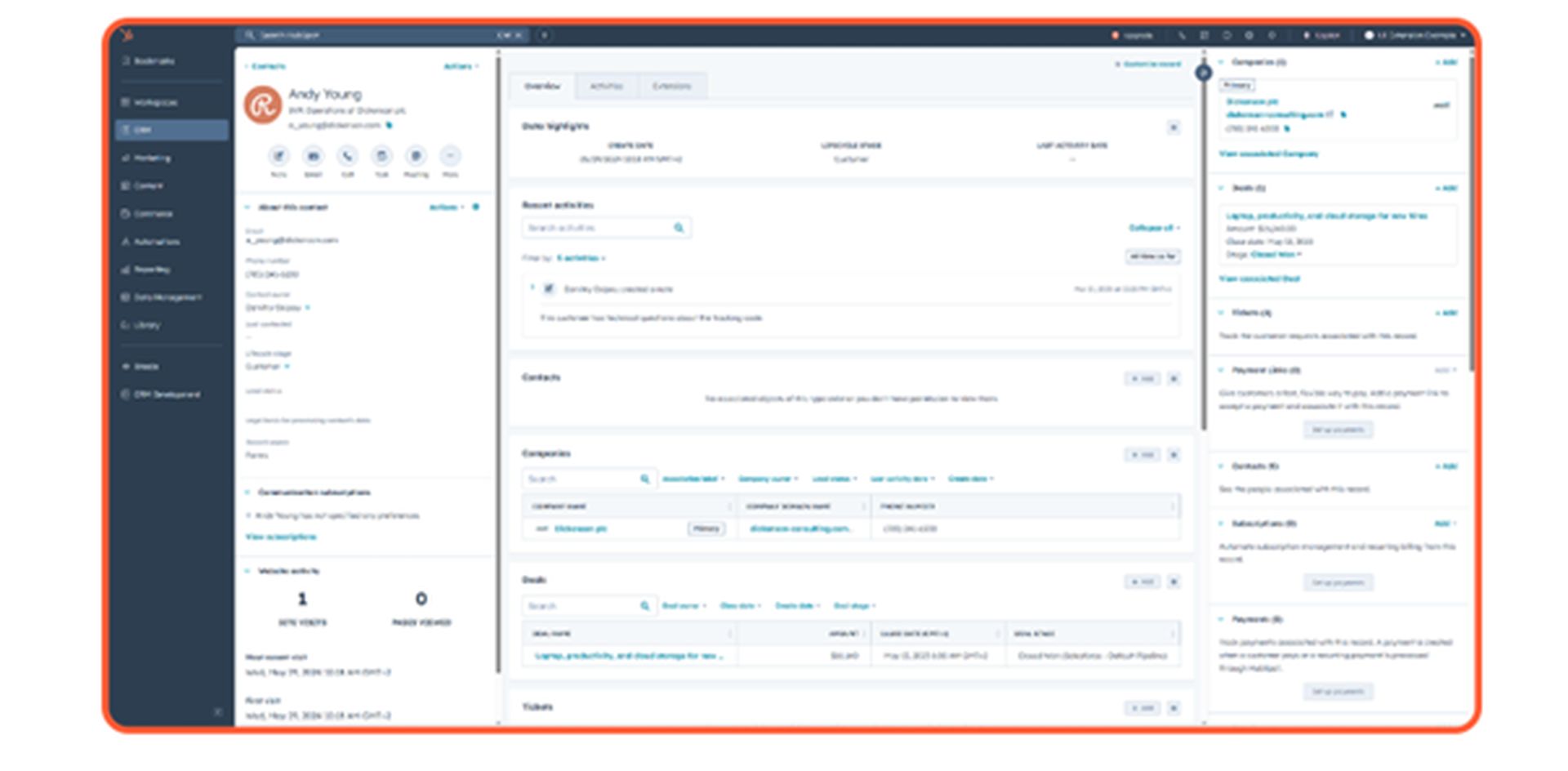
Marketing is where the gap feels more obvious. HubSpot treats marketing like a core part of customer communication. You open the platform and everything is right there. Email builders, landing pages, blog tools, ad tracking, SEO prompts, forms, all sharing the same contact record. This tends to help newer teams build rhythm because they do not have to learn three different tools just to run a single campaign. They can experiment more, too, since the setup gets out of the way.
Salesforce goes in another direction. The marketing tools live in separate clouds that can be incredibly strong when handled by a team that knows what it wants. You can run journey-based campaigns, use deeper data points, and create targeting you would never attempt in lighter systems. It shines with bigger databases and longer buying cycles. The tradeoff is the learning curve. You need someone steering it or the system never reaches its potential.
AI and automation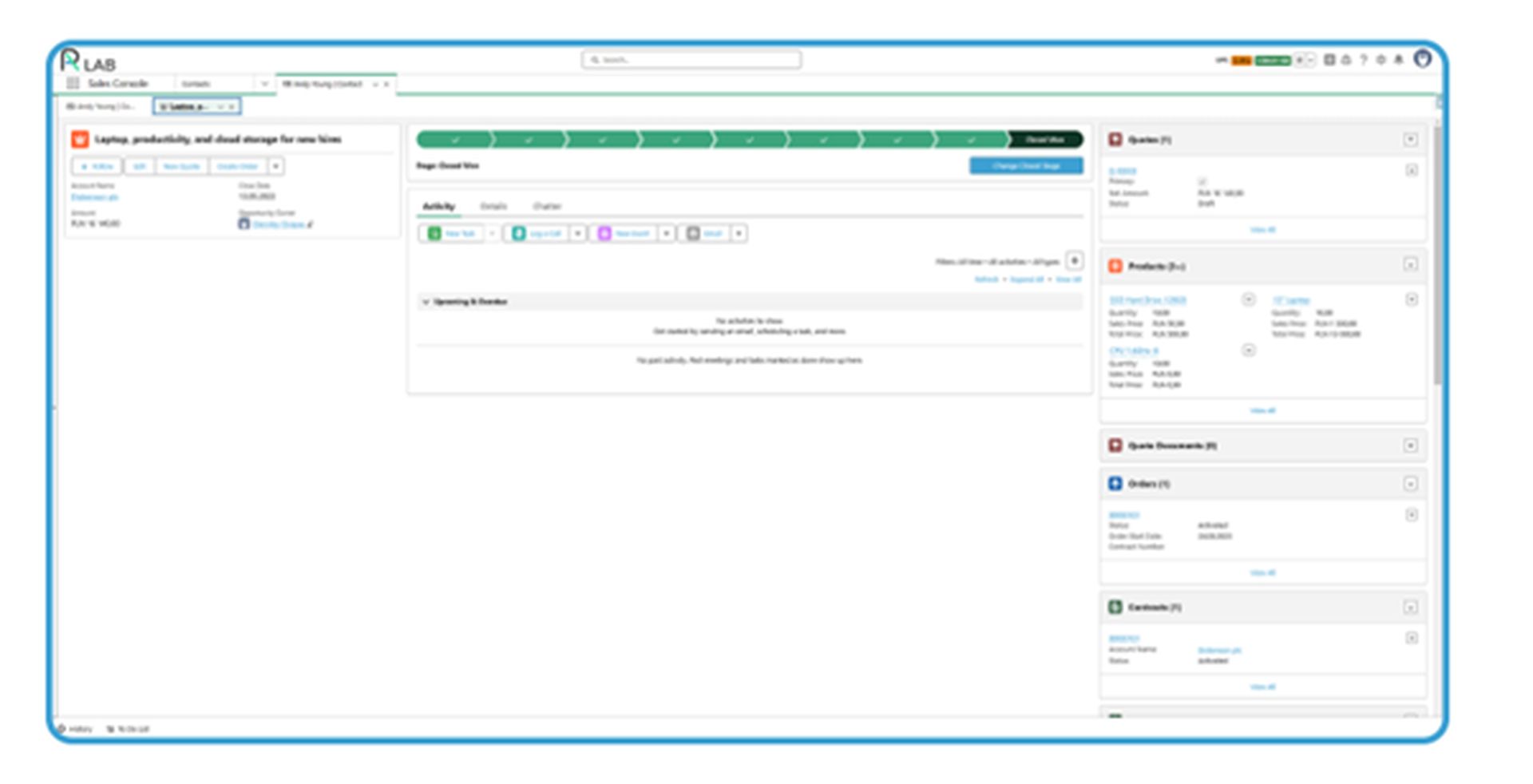
AI gets talked about so often in CRM circles that people forget to taper their expectations. Most teams really do want something simple though. They want the routine work handled without forcing the whole company to learn a brand new playbook.
HubSpot leans toward that kind of everyday help. It can clean up notes, draft a quick email, remind someone that a deal has been sitting untouched, or point out an odd step in a workflow. Because the automation builder is straightforward, teams actually use it. You don’t need a specialist watching over every change.
Salesforce pushes AI in a different direction. It studies patterns across your pipeline and starts calling out things a human might miss. A shift in deal behavior. An account that suddenly looks more promising. A rep who seems overloaded. Some companies use the newer AI agents to guide reps through playbooks or help standardize steps across regions. It takes time to get this tuned, usually with the support of an expert like Routine Automation, but once it clicks, leaders start noticing clearer signals and fewer surprises.
Customization and scalabilityCustomization means very different things depending on the team. Some groups only need a few tweaks to keep their deals moving. Others carry around a process that’s grown layer by layer, usually from old habits, shifting priorities, and a handful of spreadsheets.
HubSpot tends to work well for teams that want structure without feeling boxed in. Adjustments are possible, though the system gently limits how wild things can get. That approach prevents the usual sprawl that shows up when everyone is allowed to build anything they want. New hires usually understand the setup within a short time, which keeps training simple and routines predictable.
Salesforce is built for teams with heavier demands. Complicated approval steps, region-specific rules, product quirks, multi-team handoffs, all of that can be shaped directly into the platform. The freedom is useful when the real-world process refuses to follow a straight path. The tradeoff is upkeep. A system with this much flexibility needs someone to guide it or the structure slowly fills with old experiments, forgotten fields, and workflows nobody remembers authoring.
Integration ecosystem and data connectivityEvery CRM ends up living alongside a long list of other tools. Email platforms, calling software, billing systems, calendars, support tools, analytics, all of them send data back and forth throughout the day. The way a CRM handles those connections can make the entire system feel smooth or endlessly chaotic.
HubSpot enables quick, lightweight connections. Many of the popular tools plug in with only a few steps, which helps smaller teams get moving without a technical specialist. The syncing is usually predictable, and the system tries to keep duplicate records from multiplying. This works especially well for companies that want their stack to stay simple enough for everyone to understand without digging into documentation.
Salesforce carries a much bigger ecosystem. The marketplace is packed with industry-specific apps, deeper integrations, custom connectors, and tools that can reshape the underlying data structure. That range is valuable when a company has several departments feeding information into the CRM or when outside systems need to stay tightly aligned with sales data. The flexibility comes with responsibility, because a system with this many moving parts needs routine attention or the data becomes harder to trust.
Both platforms can connect to nearly anything, though they approach the task with different ideas of scale.
Total cost of ownershipCost gets more attention than almost anything else during a CRM evaluation, yet the subscription price rarely tells the whole story. A CRM stays with a company for years, and every year brings new hires, new tools, changed processes, and a handful of surprises that nobody expects when they sign the contract. All of that carries weight.
HubSpot usually feels gentle on the budget early on. The free tools help teams get moving, then the costs rise as the company grows and adds more contacts or advanced features. Since most teams handle their own setup, the early investment stays small. There is comfort in knowing what the next bill will look like without much guesswork.
Salesforce follows a different rhythm. The starting point is higher, and each cloud or add-on shapes the final price. It rewards companies with bigger, more complicated operations, though it comes with the expectation that someone will look after the system. Many organizations plan for an admin or a consulting partner because the platform becomes part of their infrastructure, not just software they log into.
Viewed this way, HubSpot keeps expenses steady. Salesforce becomes more of a long-term investment that expands along with the business.
Choosing the right CRM for youBoth systems can support growth. They just grow in different directions.
HubSpot works best when a team needs clarity, quick onboarding, and steady routines. The structure stays manageable, and the learning curve stays light. Good for groups that want to keep their setup clean without adding more technical weight.
Salesforce fits when operations have several layers, or when the company expects its process to stretch and change as it expands. The platform has room for complicated steps, multiple teams, and data from many places.
The right choice depends less on features and more on the shape of the work behind the scenes. Teams that understand their habits usually know which system feels like home once the comparisons quiet down.